
AIM Racing


0.60€
2.54€ 80% off
About the game
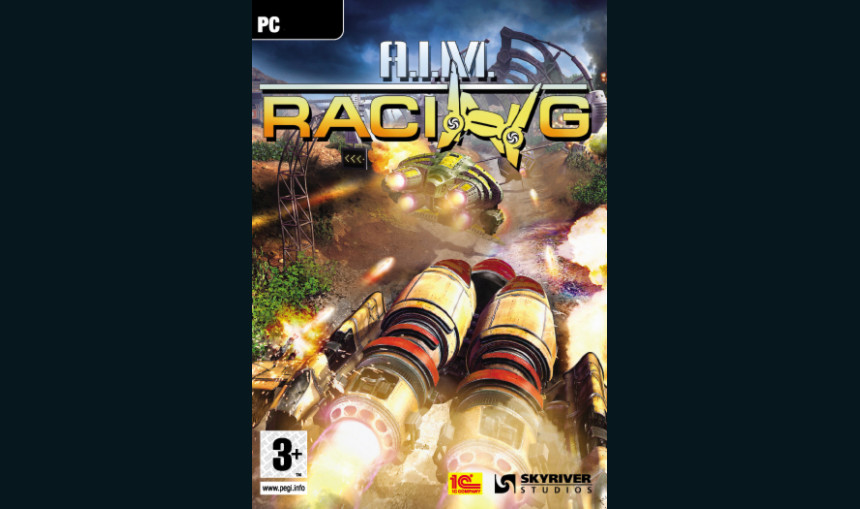
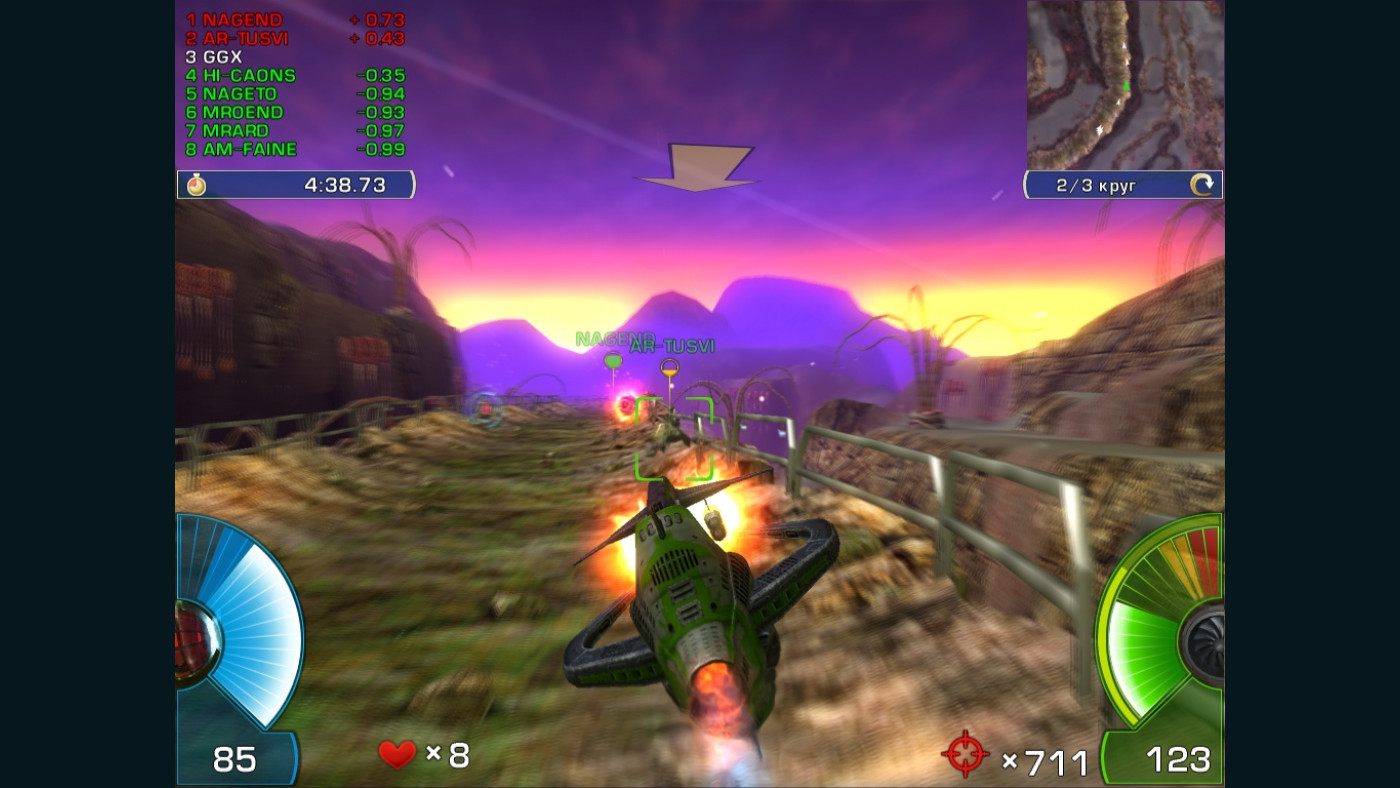
A. I. M. Racing is a futuristic racing game which introduces you to a dangerous competition situated on a dusty planet Polygon-4.
Many years ago, humans along with a race called Arlings used Polygon-4 for a number of military experiments, but the testing facility was ultimately abandoned. However, the artificial intelligent machines, AIMs, continue to fulfill objectives they were programmed for: further evolution and self-perfections. AIMs of the Reckoners clan built a network of tracks to test multi-purpose combat machines in action.
Features:
- Championship with over 50 rounds
- Over 30 various gliders
- Diverse tactic to destroy your opponents
- Unique glider dynamics
- Treacherous traps and useful bonuses
- Vast number of weaponry, including mines and rockets
- Detailed statistics for each race
- Online records table
- Multiplayer options
© 1C Company 2009. Developed by SkyRiver Studios. All rights reserved.
Game details
| Platform | Steam |
| Developer | SkyRiver Studios |
| Publisher | 1C Online Games Ltd. |
| Release Date | 21.01.2010 01:00 CET |
Steam account required for game activation and installation
Operating System: Windows® 98/ME/2000/XP
Processor: Pentium 4 - 1.5 GHz
Memory: 384 MB RAM
Video card: NVIDIA® GeForce™ 4200, ATI® Radeon™ 9500
Sound card: DirectX™ 9.0 compatible
Hard disc: 2.5 GB available in the hard disk
Operating System: Windows® 98/Me/2000/XP
Processor: Pentium 4 - 2.5 GHz
Memory: 512 MB RAM
Video card: NVIDIA® GeForce™ 6800, ATI® Radeon™ x800
Sound card: DirectX™ 9.0 compatible
Hard disc: 2.5 GB available in the hard disk
Language Support:
Interface: English, French, German, Russian, Italian
How to Redeem a Product on Steam
-
1. Open the Steam Client or Steam Website
- Steam Client: Launch the Steam application on your computer.
- Steam Website: Alternatively, use a web browser to visit Steam's official website.
-
2. Log in to Your Steam Account
- If you're not already logged in, enter your Steam username and password to access your account.
- If you don’t have a Steam account, create one by following the on-screen prompts.
-
3. Navigate to the "Games" Menu
- In the Steam client, click on the Games menu at the top of the window. From the dropdown, select Activate a Product on Steam....
-
If you're using the website:
- In the top right corner, click on your profile name.
- Select Account details > Activate a Steam Product from the dropdown.
-
4. Enter the Steam Code
- A pop-up window will appear. Click Next.
- Enter the Steam code (the product key) in the provided box. This code is usually a 15-25 character string containing letters and numbers.
-
6. Finish the Redemption
- Once successfully redeemed, the game or content will be added to your library.
-
7. Download or Install the Product
- Go to your Library to find the game or content.
- If it’s a game, click on it and select Install to begin downloading.