
Oddsparks: An Automation Adventure - Coaster Rush
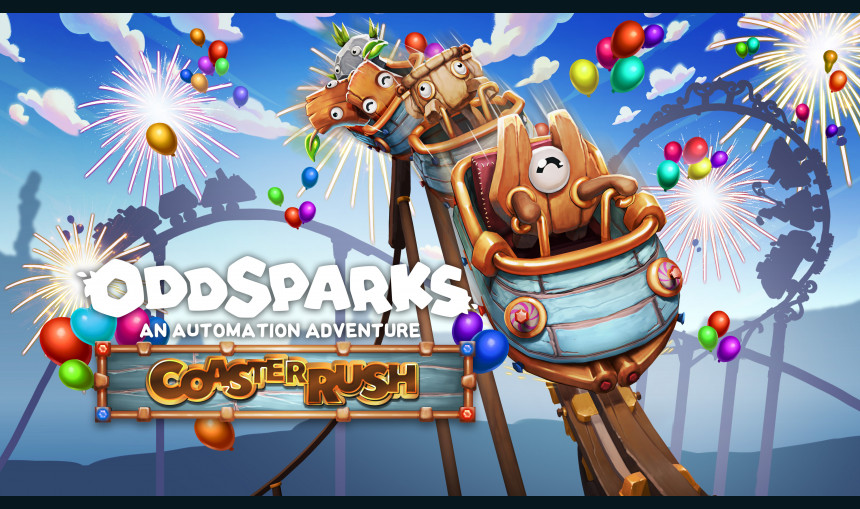
Get ready for a theme park frenzy! The Coaster Rush expansion combines intricate automation with spectacular, heart-pounding theme park elements. Give your Sparks the adventure they deserve, and inject pure, joyous excitement into your logistics network with incredible coaster-style train tracks!
6.81€
8.44€ 32% off
Interface: English, French, German, Japanese, S... View all
About the game
Build, Automate, and Thrill!
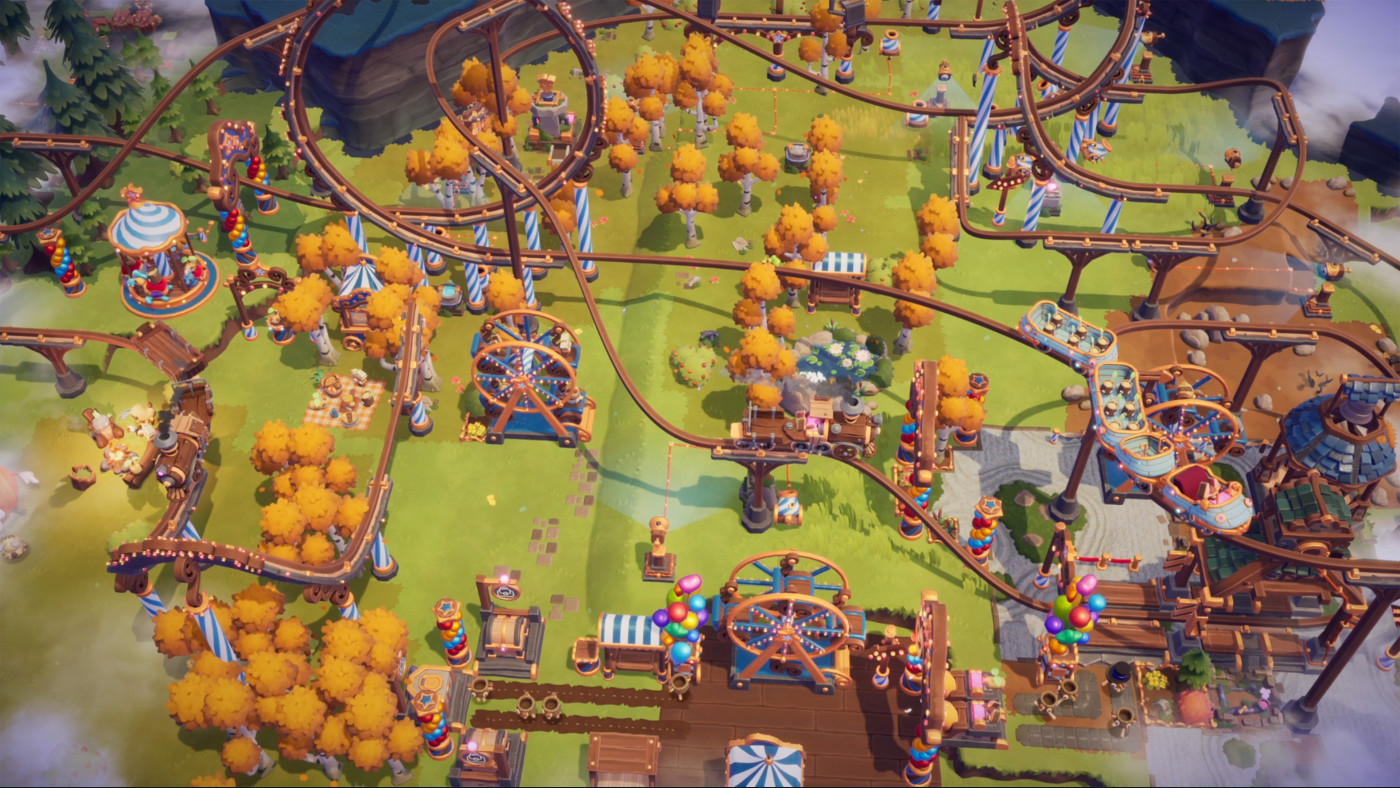
Get ready for a theme park frenzy! The Coaster Rush expansion blends intricate automation with spectacular, heart-pounding theme park elements. Give your Sparks the adventure they deserve, and inject pure, joyous excitement into your logistics network with incredible coaster-style train tracks!
New Train Tracks: Thrills on Rails!
Ditch the drab logistics and embrace the dramatic with a host of new Rollercoaster Train Tracks!
- Vertical Loop Track: Send your resources on a thrilling, head-over-heels journey.
- Corkscrew Track: A twisting, spiraling path for maximum disorientation (and efficiency!).
- Banked Turn Track: Speed through curves like a pro.
- Jump Track: A satisfying leap for every passing train!
- Photo Track: Capture the moment as your goods rush by and lights flash when a train passes!
- New Train: The Coaster Wagon and Coaster Locomotive, which runs without fuel.
Theme Park Ambiance: Make Work a Walk in the Park!
It's not a park without the proper atmosphere! Transform your workshop into a theme park with the packed with the brand-new decorations:
- 2 Spark Showcases: Install the Spark Showcase - Carousel or Spark Showcase - Wheel to let your hard-working Sparks take a spin and celebrate their tireless efforts.
- 14 Festive Decorations: Adorn your park with Festive Fences (Velvet and Flags), elegant Pillars, decorative Arches, a Festive Lantern, and various Pots.
- Snack & Balloon Stands: Keep your Sparks happy! Build Snack Stands and, most importantly, Balloon Stands to hand out colorful balloons to every passing Spark.
- Dynamic Fireworks: Use the new logic outputs to trigger Fireworks Cannons (Vertical and Tilted) for spectacular, celebratory bursts that light up the sky!
- 5 Floors: Completely customize the look of your park with new decorative textures! Choose from Grassy and Pebble Floors, or add a touch of whimsy with Starry, Swirly, and Polished Floors!
© 2025 THQ Nordic AB Sweden. Developed by Massive Miniteam, Germany. Published by www.Handy-Games.com GmbH, Germany. Oddsparks, THQ, THQ Nordic, HandyGames, and their respective logos are trademarks and/or registered trademarks of THQ Nordic AB. All rights reserved. All other brands, product names, and logos are trademarks or registered trademarks of their respective owners.
Game details
| Platform | Steam |
| Developer | Massive Miniteam |
| Publisher | HandyGames |
| Release Date | 11.12.2025 15:00 CET |
Steam account is required for game activation and installation.
This content requires the base game Oddsparks: An Automation Adventure on Steam in order to play.
Windows Requirements
Minimum:
- Requires a 64-bit processor and operating system
- OS: Windows 10 64bit
- Processor: Intel Core i5 / AMD FX-6300
- Memory: 8 GB RAM
- Graphics: GTX 970 4GB / Radeon RX580 4GB or better
- DirectX: Version 11
- Storage: 6 GB available space
Recommended:
- Requires a 64-bit processor and operating system
- OS: Windows 10 64bit
- Processor: Intel i7 / AMD Ryzen 7
- Memory: 8 GB RAM
- Graphics: GTX 1070 4GB / Radeon RX 5700-XT 4GB or better
- DirectX: Version 11
- Storage: 6 GB available space
How to Redeem a Product on Steam
-
1. Open the Steam Client or Steam Website
- Steam Client: Launch the Steam application on your computer.
- Steam Website: Alternatively, use a web browser to visit Steam's official website.
-
2. Log in to Your Steam Account
- If you're not already logged in, enter your Steam username and password to access your account.
- If you don’t have a Steam account, create one by following the on-screen prompts.
-
3. Navigate to the "Games" Menu
- In the Steam client, click on the Games menu at the top of the window. From the dropdown, select Activate a Product on Steam....
-
If you're using the website:
- In the top right corner, click on your profile name.
- Select Account details > Activate a Steam Product from the dropdown.
-
4. Enter the Steam Code
- A pop-up window will appear. Click Next.
- Enter the Steam code (the product key) in the provided box. This code is usually a 15-25 character string containing letters and numbers.
-
6. Finish the Redemption
- Once successfully redeemed, the game or content will be added to your library.
-
7. Download or Install the Product
- Go to your Library to find the game or content.
- If it’s a game, click on it and select Install to begin downloading.