
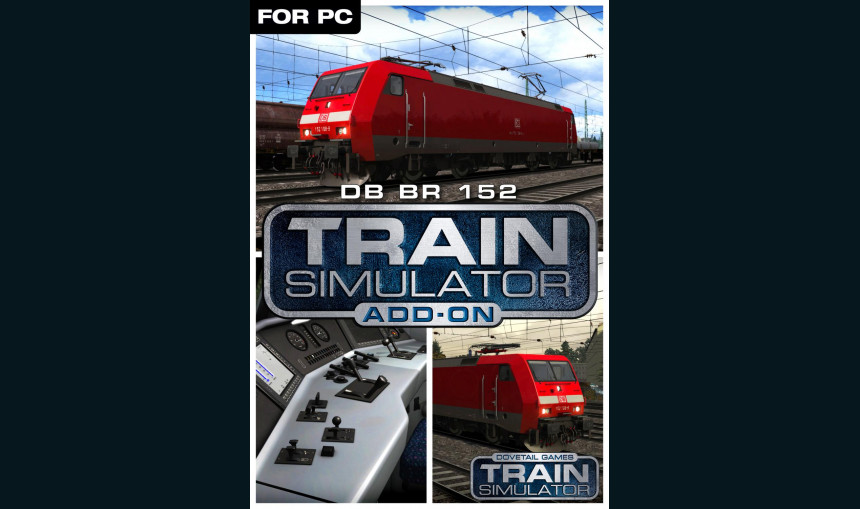
DB BR 152 Loco Add-On

12.38€
17.00€ 12% off
About the game
The mixed-traffic BR 152 is one of the most popular locomotives among drivers seen on Germany’s railways today.
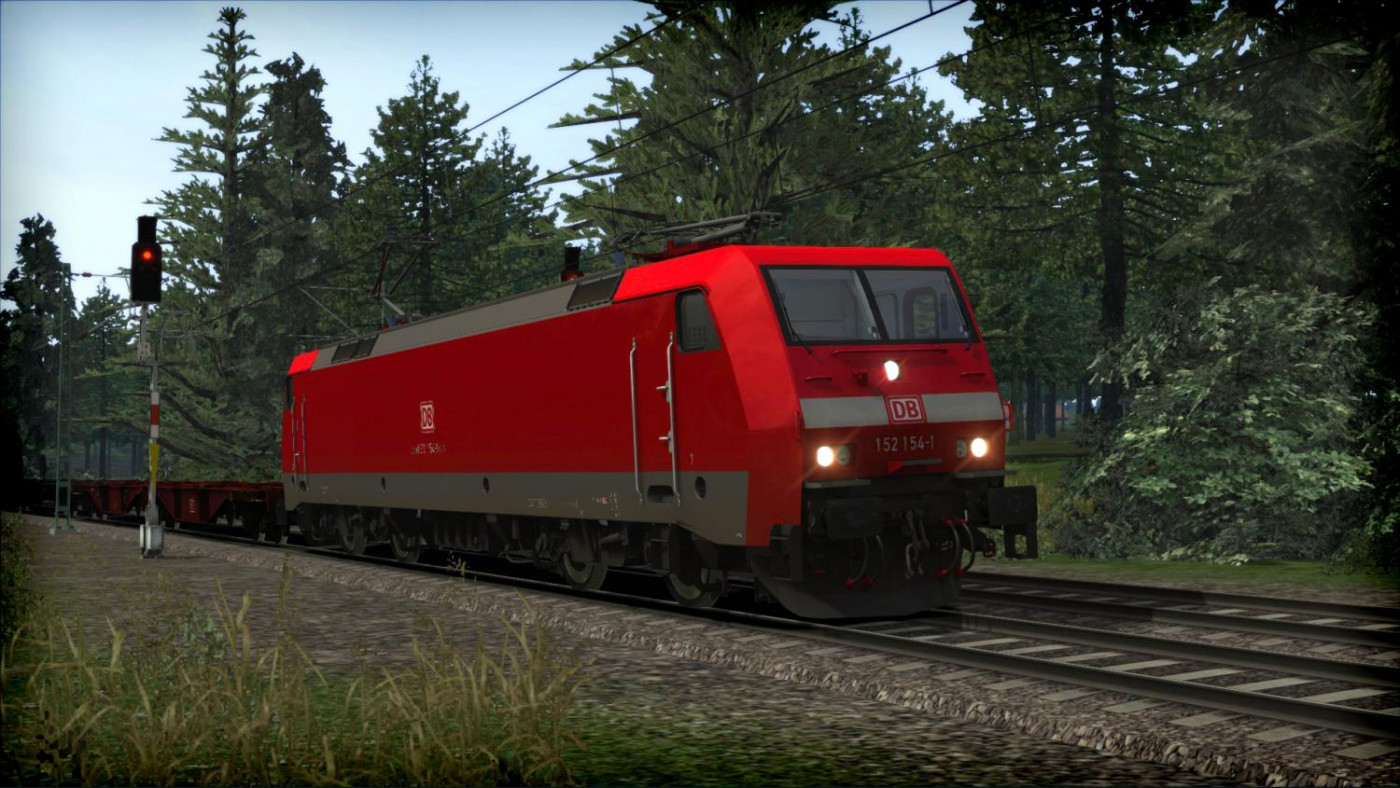
The high performance ES64F locomotive built by Siemens forms part of the company’s EuroSprinter range, and started life as a mixed traffic locomotive. However, almost all locomotives were reserved and assigned primarily for heavy freight duties.
Built between 1996 and 2001 at Siemens’ manufacturing facility in Munich, the BR 152 first entered service in May 1998. Being very popular amongst drivers on freight revenue services, the BR 152 is an agile and capable locomotive able to cope with the rigours of heavy freight.
Over 170 locomotives were built for Deutsche Bahn with an additional two locomotives sold to the leasing company Dispolok. Despite being classified as a freight locomotive, the BR 152 is fitted with appropriate equipment for hauling shuttle trains, such as train line and emergency brakes.
The BR 152 for Train Simulator is available in Deutsche Bahn red and grey livery and features AFB, LZB, PZB and SIFA safety and signalling systems. Also included are Kkt, Sggrss and Shimms freight cars.
The locomotive is also Quick Drive compatible, giving you the freedom to drive the DB BR 152 on any Quick Drive enabled route for Train Simulator. Also included are scenarios specifically for the München-Rosenheim route (available separately and required to play these scenarios).
Scenarios
Three scenarios for the München-Rosenheim route:
- Freight to Rosenheim
- Rosenheim Night Freight
- Wagon Transfer
Key Features
- BR 152 in Deutsche Bahn AG traffic red livery
- AFB, LZB, PZB and SIFA systems
- KKt, Sggrss and Shimms freight cars
- Quick Drive compatible
- Scenarios for the München-Rosenheim route
- Download size: 161mb
Game details
| Platform | Steam |
| Developer | Dovetail Games |
| Publisher | Dovetail Games (RailSimulator.com) |
| Release Date | 22.07.2015 02:00 CET |
How to Redeem a Product on Steam
-
1. Open the Steam Client or Steam Website
- Steam Client: Launch the Steam application on your computer.
- Steam Website: Alternatively, use a web browser to visit Steam's official website.
-
2. Log in to Your Steam Account
- If you're not already logged in, enter your Steam username and password to access your account.
- If you don’t have a Steam account, create one by following the on-screen prompts.
-
3. Navigate to the "Games" Menu
- In the Steam client, click on the Games menu at the top of the window. From the dropdown, select Activate a Product on Steam....
-
If you're using the website:
- In the top right corner, click on your profile name.
- Select Account details > Activate a Steam Product from the dropdown.
-
4. Enter the Steam Code
- A pop-up window will appear. Click Next.
- Enter the Steam code (the product key) in the provided box. This code is usually a 15-25 character string containing letters and numbers.
-
6. Finish the Redemption
- Once successfully redeemed, the game or content will be added to your library.
-
7. Download or Install the Product
- Go to your Library to find the game or content.
- If it’s a game, click on it and select Install to begin downloading.